
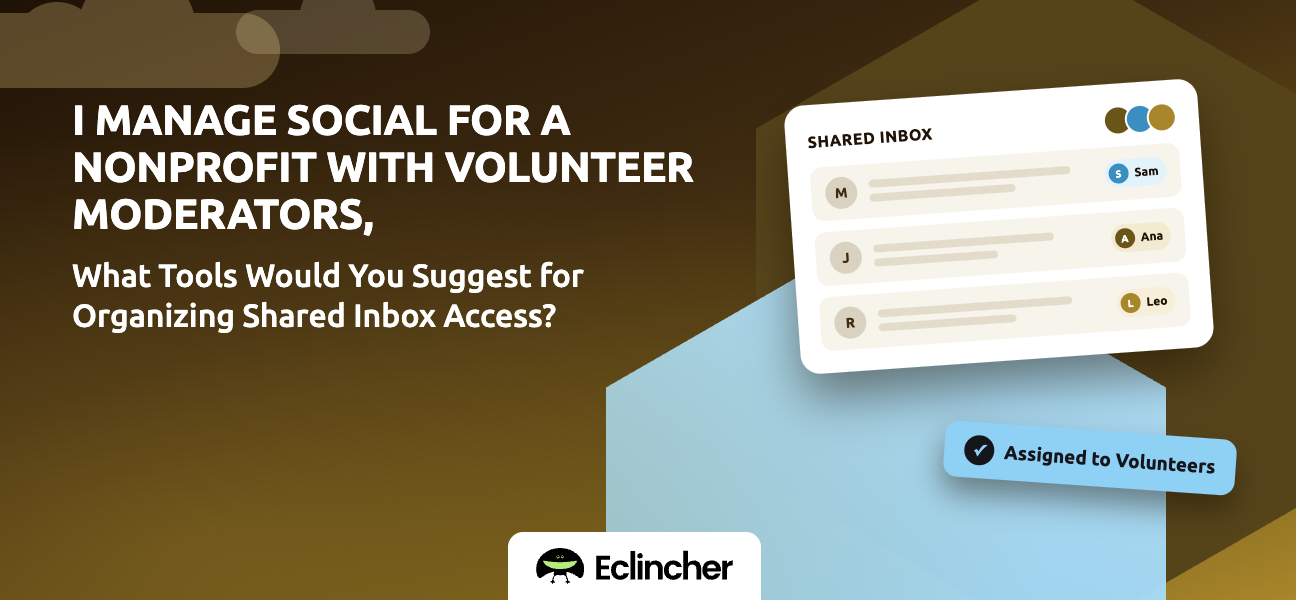


Short answer: Use a shared social inbox that gives each volunteer their own login with limited permissions, so nobody needs your organization's social media passwords. Look for message assignment, tags, and a way to mark messages complete. Meta Business Suite is free but only covers Facebook and Instagram. Platforms such as Eclincher, Agorapulse, Hootsuite, and Sprout Social cover every network, and Eclincher's Unified Inbox lets you assign messages to specific team members and track what's been handled. Ask each vendor about nonprofit pricing.
Key takeaways
- Never share social media passwords with volunteers. Give them individual, revocable access instead.
- Volunteer turnover makes access control more important for nonprofits, not less.
- A shared inbox with assignment lets part-time volunteers pick up exactly what's theirs.
- A one-page moderation guide matters as much as the tool.
- Keep posting rights with staff, or route volunteer posts through approval.
Why shouldn't volunteers share your social media passwords?
Sharing passwords is the most common nonprofit social media risk. When a volunteer leaves, you must change every password and update everyone else. Two-factor codes go to one person's phone. And when something goes wrong, you can't tell who did it.
Individual logins in a shared inbox solve all three: you remove a volunteer's access in one click, nobody needs the passwords, and every reply is tied to a person.
What access should each role have?
Give each person the least access they need. Most nonprofits use three tiers.
| Role | Can do | Can't do |
|---|---|---|
| Staff admin | Connect accounts, manage users, publish, see reports | — |
| Lead moderator | Reply, assign, tag, escalate, draft posts for approval | Publish without approval, manage users |
| Volunteer moderator | Reply to assigned messages, tag, mark complete | Publish, delete posts, change settings |
Which tools organize shared inbox access for nonprofits?
The right tool depends on which networks you use and how many volunteers you have.
| Tool | Networks | Fit for nonprofits |
|---|---|---|
| Meta Business Suite | Facebook and Instagram only | Free, with roles; you'll still need other apps for other networks |
| Eclincher | Facebook, Instagram, X, LinkedIn, TikTok, YouTube, Google Business Profile, and more | Unified Inbox with assignment, tags, and completion status, plus publishing and reports |
| Agorapulse | Major networks | Strong inbox features; check user limits per plan |
| Hootsuite | Major networks | Large ecosystem; per-user pricing adds up with many volunteers |
| Sprout Social | Major networks | Polished team features; premium pricing |
Many vendors offer nonprofit discounts that aren't listed publicly. Ask before you buy.
What should a volunteer moderation guide include?
A one-page guide keeps volunteers consistent and confident. Include:
- Response times: for example, reply to questions within 24 hours.
- What to answer: event details, donation links, volunteering info.
- What to escalate: media inquiries, complaints, safety concerns, anything legal or medical.
- What to hide or delete: spam, abuse, and personal information, following your published community rules.
- Saved replies: approved answers to your ten most common questions.
- Tone: warm, brief, and never argumentative.
How do you set up volunteer inbox access in Eclincher?
Eclincher's Unified Inbox puts every network's comments and messages in one queue, with each person working under their own login.
- Connect your accounts as staff. A staff admin connects all your social profiles. Result: volunteers never see the passwords.
- Invite volunteers individually. Add each moderator as a team member, using role-based access to limit what they can do. Result: individual, revocable access.
- Assign messages. Route messages to specific volunteers by network, topic, or shift. Result: part-time volunteers know exactly what's theirs.
- Use tags and completion status. Tag messages by topic and mark them complete when handled. Result: nothing gets answered twice or missed.
- Keep publishing behind approval. Let volunteers draft posts that staff approve before they publish. Result: volunteers contribute without publishing risk.
- Remove access when volunteers leave. Deactivate their access in one step. Result: offboarding takes seconds.
FAQ
How do I give volunteers access to our social media without sharing passwords?
Use a social media management platform with a shared inbox and individual user accounts. A staff member connects the accounts, and each volunteer logs in with their own credentials and limited permissions. Eclincher, Agorapulse, Hootsuite, and Sprout Social support this.
Is there a free shared inbox for nonprofits?
Meta Business Suite is free and supports roles for Facebook and Instagram. For other networks, you'll need a paid platform. Ask vendors about nonprofit discounts.
What permissions should volunteer moderators have?
Volunteers usually need to reply to assigned messages, tag them, and mark them complete. Keep publishing, deleting, and account settings with staff, or route volunteer posts through approval.
How do we keep volunteer replies consistent?
Give volunteers a one-page moderation guide and a set of saved replies for common questions. Review a sample of replies each month and update the guide.
Conclusion
Volunteer moderators are a gift, as long as the access model protects your accounts. Use individual logins in a shared inbox, assign messages so volunteers know what's theirs, and back the tool with a simple moderation guide. Start a 14-day free trial of Eclincher and invite your first volunteer moderator.

