
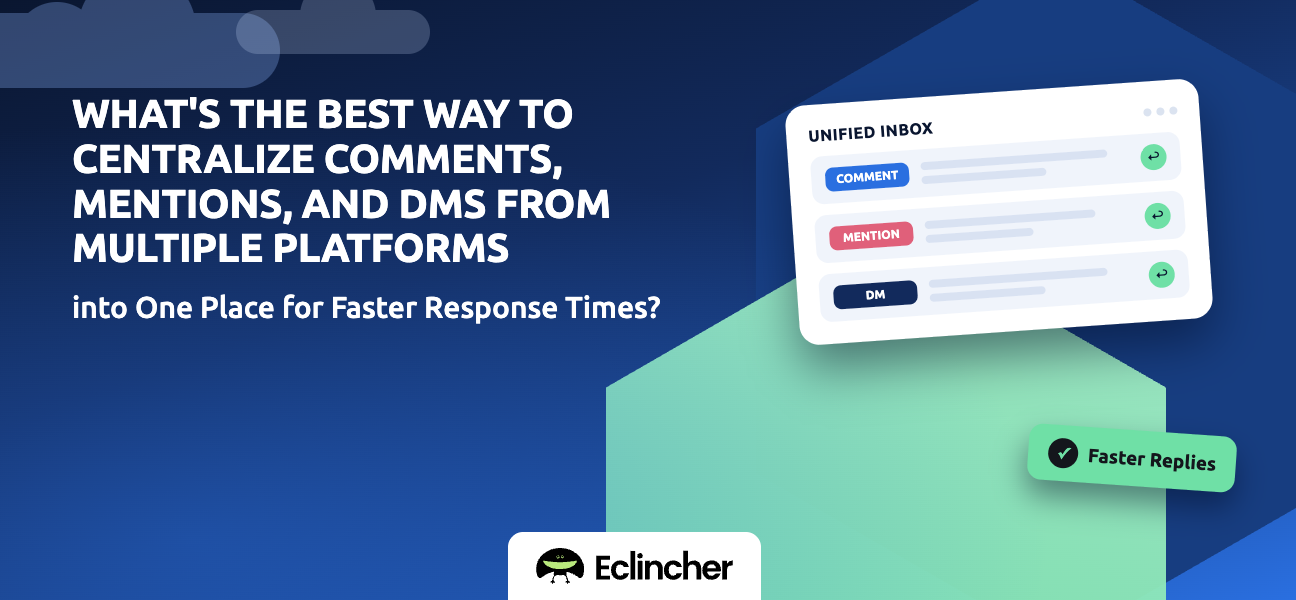


Short answer: The best way is a unified social inbox: one queue that pulls in comments, mentions, DMs, and reviews from every connected network. Add filters to prioritize, assignment so each message has an owner, and saved or AI-suggested replies to answer common questions quickly. Eclincher, Sprout Social, Agorapulse, and Hootsuite all offer unified inboxes. Eclincher's Unified Inbox combines every network's messages with tags, sentiment, assignment, completion status, and an AI auto-reply agent.
Key takeaways
- Most slow responses come from checking many apps, not from writing replies.
- A unified inbox turns five notification streams into one prioritized queue.
- Filters and tags let you answer urgent messages first.
- Saved and AI-suggested replies speed up the questions you answer every day.
- Measure response time before and after, so you know it worked.
Why are social media responses slow?
Responses are slow because messages are scattered. Comments sit on Instagram, DMs on Facebook, mentions on X, questions on LinkedIn, and reviews on Google. Checking each one takes time, and messages arriving between checks wait hours. Centralizing removes the waiting, not just the clicking.
What should flow into one inbox?
Pull in every type of message a customer might expect a reply to.
| Message type | Where it comes from | Why centralize it |
|---|---|---|
| Comments | Posts, Reels, videos, ads | Public, so slow replies are visible to everyone |
| Direct messages | Instagram, Facebook, X, LinkedIn | Often sales or support questions |
| Mentions and tags | Posts that tag your brand | Reach you only find if you look |
| Reviews | Google Business Profile, Facebook | Shape local reputation |
| Ad comments | Paid posts | Easy to miss, often from new prospects |
How do you set up a centralized inbox for faster responses?
Set up the inbox, then set up how you work it. It takes five steps.
- Connect every network. Link all the profiles where customers reach you. Result: one queue for everything.
- Create filters by priority. For example, DMs and negative sentiment first, then questions, then general comments. Result: urgent messages get answered first.
- Assign owners. Route messages to the right person by network, topic, or shift. Result: no message waits for someone to claim it.
- Build saved replies. Write approved answers to your 10–20 most common questions. Result: common replies take seconds.
- Track response time. Measure average first-response time weekly. Result: proof the change worked, and a target to improve.
What features speed up response times the most?
Not all inbox features save the same amount of time. These have the most effect.
- One queue for all networks: removes app-switching.
- Filters and priority views: urgent messages surface first.
- Assignment and status: nobody duplicates work or drops a message.
- Saved replies: consistent answers to repeat questions.
- AI-suggested or automatic replies: handle routine questions instantly, with a person reviewing anything sensitive.
- Sentiment labels: unhappy customers get attention before small talk.
How do you centralize your inbox in Eclincher?
Eclincher's Unified Inbox brings comments, mentions, messages, and reviews from every connected account into one place.
- Connect your profiles. Add Facebook, Instagram, X, LinkedIn, TikTok, YouTube, and Google Business Profile. Result: every conversation in one inbox.
- Filter by network, type, tag, or sentiment. Build the views your team works from. Result: priorities are clear at a glance.
- Assign and complete messages. Give each message an owner and mark it complete when handled. Result: nothing is answered twice or missed.
- Set up the AI auto-reply agent. Let it handle routine questions, with your team reviewing anything sensitive. Result: instant replies to common questions.
- Escalate support issues. Create tickets in Zendesk, Salesforce, or ServiceNow from an inbox item. Result: support cases move to your help desk without copy-pasting.
FAQ
What is a unified social inbox?
A unified social inbox is a single queue that collects comments, mentions, direct messages, and reviews from all your social networks. It lets you reply to everything from one place instead of opening each app.
How can I respond faster on social media?
Centralize every message in one inbox, prioritize with filters, assign owners, and use saved or AI-suggested replies for common questions. Measure your first-response time weekly to track progress.
Can I manage Instagram, Facebook, and LinkedIn messages in one place?
Yes. Unified inbox tools such as Eclincher, Sprout Social, Agorapulse, and Hootsuite bring Instagram, Facebook, LinkedIn, and other networks' messages into one queue.
Should I use AI to reply to social media comments?
AI works well for routine questions such as hours, links, and pricing basics. Have a person review complaints, sensitive topics, and anything unusual before replying.
What is a good social media response time?
Many brands aim to answer DMs within a few hours and public comments within a day during business hours. Set a target that fits your team, then measure against it.
Conclusion
Faster responses come from fewer places to check, not faster typing. Centralize every comment, mention, DM, and review in one inbox, prioritize what matters, give each message an owner, and automate routine replies. Start a 14-day free trial of Eclincher and bring every conversation into one Unified Inbox.

