
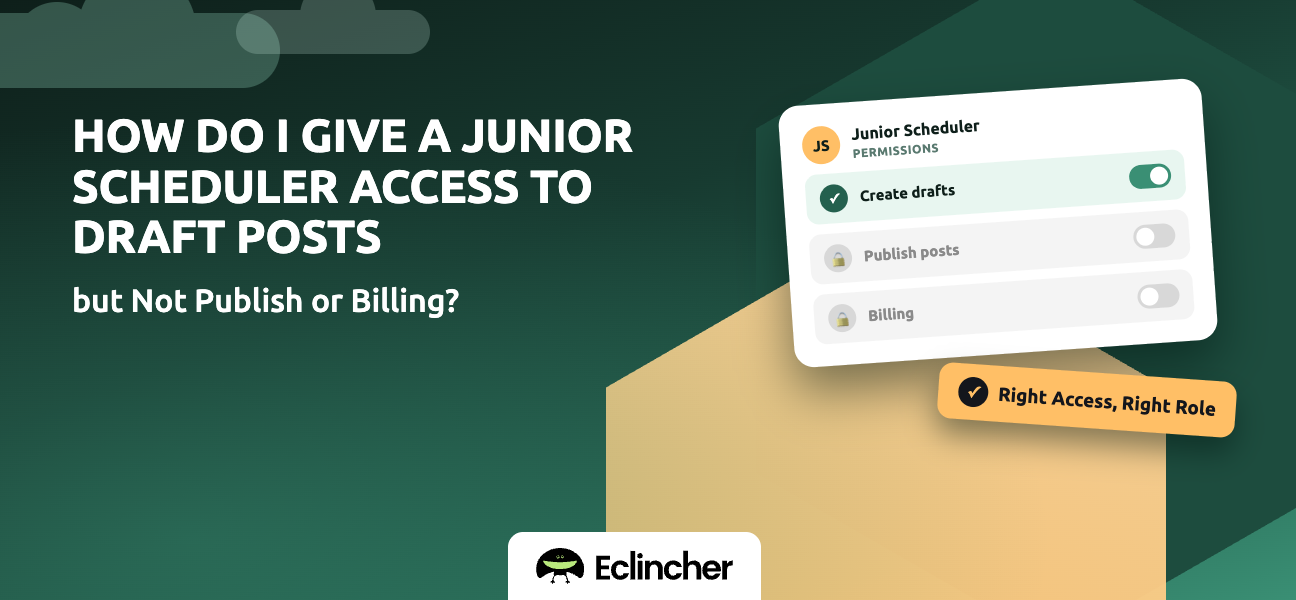




Short answer: Give the junior their own login, limit it to the brands they work on, and route every post through an approval workflow so nothing publishes until a senior signs off. Keep billing and account settings with the account owner. Then close the gap most agencies miss: don't give the junior admin access on the social networks themselves, or they can post directly on Facebook or LinkedIn and skip your approval step entirely. In Eclincher, role-based access and approval workflows handle the platform side, with a record of who submitted and who signed off on every post.
Key takeaways
- Every person gets their own login. A shared password can't be limited, audited or cleanly revoked.
- Give access by brand, so a junior only sees the clients they actually work on.
- An approval workflow is what stops a draft from going live on its own.
- Native page access is a back door. Even partial access on a Facebook Page lets someone publish directly.
- Billing stays with the account owner, and access gets reviewed whenever someone changes role or leaves.
Why not just share one login?
It's tempting when a new hire starts on Monday and the client wants posts by Wednesday. But a shared login hands everyone the same power: publishing, deleting connected profiles, changing the plan, seeing invoices. There's no way to give the junior "most of it."
You also lose the trail. When a post goes out with the wrong client's logo, nobody can tell who scheduled it. And when someone leaves, you either change the password for the whole team or quietly hope they don't log in again.
Individual logins fix all three: each person has their own access, each action is tied to a name, and removing one person doesn't affect anyone else.
What principle should guide access?
Security teams call it least privilege. NIST defines it as restricting users' access "to the minimum necessary to accomplish assigned tasks" (NIST glossary). For a social media agency, that translates into a simple test: if the junior's job doesn't require it this month, they don't get it this month. Access can always be added later. It's much harder to undo a post that went out by mistake.
What should each person be able to do?
| Person | Can do | Shouldn't do |
|---|---|---|
| Junior scheduler | Create and edit drafts, upload media, schedule posts that wait for approval | Publish without approval, connect or remove profiles, see billing, hold admin access on client pages |
| Senior or account manager | Review, edit and approve posts, publish, coach the junior through notes | Change billing or the plan |
| Client contact | Approve or comment on posts, view results | See other clients' content |
| Account owner | Manage users, billing, plan and connected profiles | Share their login with anyone |
Put this table in your onboarding checklist, so every new hire gets the right access on day one instead of whatever the last person had.
What's the gap most agencies miss?
Locking down your social media tool doesn't help if the junior can open Facebook and post from there. Check what access they hold on the networks themselves:
- Facebook Pages. Facebook access comes with full or partial control, and even partial control lets someone create, manage and delete content, reply to messages and run ads. Full control adds settings and the power to remove other people, including you (Facebook Help Center). Task access through Meta Business Suite also includes a "Content" task. (Pages that sit in a business portfolio use different access levels, so check there too.)
- LinkedIn Pages. A content admin can create and manage posts and events. A super admin can add and remove admins and deactivate the Page. An analyst only sees analytics (LinkedIn Help).
So the cleanest setup is that the junior holds no admin role on client pages at all. The account owner or a senior connects each profile to your social media tool once, and the junior works only inside the tool, where approvals apply. If someone needs to see LinkedIn performance natively, the analyst role is the one that can't post.
How does an approval workflow keep drafts safe?
The junior writes the post and picks a time, but it waits in a pending state until an approver signs off. The approver can approve it as it is, edit it, leave a note or send it back with changes requested. Nothing goes out unreviewed.
There are two common shapes:
- Single approver. One senior signs off. Fast, and enough for most internal work.
- Hierarchy. The post passes through several approvers in order, for example the senior first and then the client. Use it when the client wants final say.
Whichever you pick, decide what happens when an approver is away. A post that waits for someone on holiday misses its slot, so name a backup approver for each client.
What should a junior include when they submit a post?
Approvals go faster when the reviewer doesn't have to ask questions. A simple standard for every submission:
Client and profile: which brand and which networks
Copy: final caption, with hashtags and mentions checked
Media: the final image or video, with alt text where the network supports it
Link: tested, with the right UTM tags
Timing: proposed date and time, and why if it's unusual
Notes: anything the approver should know, such as "client asked for this wording"
A junior who submits like this gets approved quickly and learns the client's standards faster. A senior who sends posts back with a clear note teaches more than one who quietly fixes them.
How do you set this up in Eclincher?
- Add the junior as their own user. Their work is tied to their name, and their access can be changed or removed without touching anyone else.
- Limit what they can reach. Use role-based access to give them only what their work needs. On Professional, each client can be its own brand, with unlimited brands, so a junior can work on two clients without seeing the other twenty.
- Turn on approval workflows. Choose a single approver or a hierarchy. Approvers get email notifications, and every post keeps a record of who signed off. See how approvals work.
- Let clients approve from their dashboard. On Professional, external client dashboards include post approval, so the client can be the last step in a hierarchy without a login to your account.
- Review the queue on the calendar. The content calendar shows drafted, queued, scheduled and approved posts in one view, filtered by status or channel.
- Keep billing with the owner. The owner's login is never shared. During onboarding, ask Eclincher's team which user role fits a draft-only scheduler on your account.
Approval workflows and external client dashboards are on Professional and Enterprise. Professional includes 5 users (up to 10) and unlimited brands. Standard includes 1 user (up to 2) but no approval workflow, so it can't enforce draft-only work. Eclincher also supports two-factor authentication and keeps audit and activity logs. See pricing for the full comparison.
What should happen when someone changes role or leaves?
Access drifts. People get extra permissions "just for this campaign" and keep them for two years. A short checklist keeps it tidy:
- Promotion: add approval rights deliberately, and decide which clients they approve for.
- Moving to other clients: remove the old brands, don't just add new ones.
- Leaving: remove their user on their last day, check for posts they scheduled that are still queued, and remove any admin roles they held on client pages.
- Every quarter: compare the user list with your team list. Anyone who shouldn't be there comes off.
Common mistakes
- Giving full control "to save time." On Facebook, full control includes removing other people from the Page. That's not a junior permission.
- Approvals with no backup approver. Posts miss their slot while someone is on leave, and the team starts bypassing the workflow.
- Forgetting native access. The tool is locked down, but the junior is still a content admin on three LinkedIn Pages.
- Fixing instead of feedback. If seniors silently rewrite every post, the junior never learns the client's voice.
- Offboarding from memory. Use the checklist, every time.
FAQ
Can I let someone schedule social posts without publishing rights?
Yes. Give them their own user, turn on an approval workflow, and don't give them admin access on the social networks themselves. They can create and schedule posts, but nothing goes live until an approver signs off.
Should agency staff share one social media login?
No. Shared logins can't be limited, audited or cleanly removed. Give every person their own user with access to the brands they work on.
How do I keep junior staff away from billing?
Keep billing and plan settings with the account owner, never share the owner's login, and give everyone else only the access their work needs.
Can a client approve posts as well as a senior?
Yes. Approval workflows can run as a hierarchy, for example an internal approver first and then the client. In Eclincher, clients can approve from an external client dashboard on Professional.
Does partial access on a Facebook Page stop someone from posting?
No. According to Facebook's Help Center, people with Facebook access, full or partial, can create, manage and delete content on the Page. Only full control adds settings and access management.
Conclusion
Draft-only access comes down to four things: individual logins, access limited to the right brands, an approval step every post must pass, and no back door through native page roles. Get those right and a junior can learn on real clients without anyone worrying about what goes out. Start a 14-day free trial of Eclincher and set up your team's approval flow.
Related reading
- Client Approval Tool for Social Media Posts
- Best Practices for Social Media Post Approval
- How to Escalate Angry Comments to Clients Without Flooding Them
Sources: Facebook Help Center, About Facebook Page access; LinkedIn Help, LinkedIn Page admin roles; NIST CSRC glossary, least privilege; Eclincher product details from the Publishing & Scheduling, Content Calendar and pricing pages, checked November 2026.

