
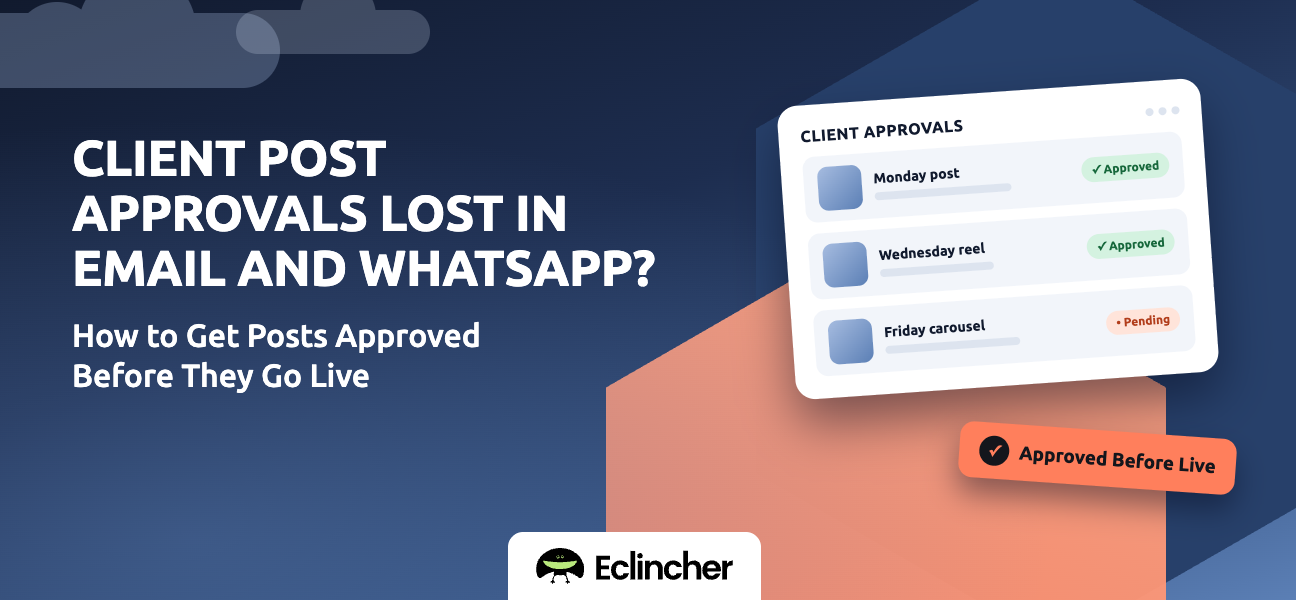


Short answer: Yes. Social media management platforms with an approval workflow let clients review, comment on, approve, or reject each post in one place before it publishes, with no email threads or WhatsApp screenshots. Approved posts publish on schedule, and nothing goes live without sign-off. Eclincher, Planable, Sprout Social, Hootsuite, SocialPilot, Agorapulse, and Vista Social all offer approvals. Eclincher includes single-step and multi-level approval workflows, with email notifications, in the same platform you use to schedule, publish, and report.
Key takeaways
- Approvals get lost because feedback is split across email, chat, and calls, with no single version of the post.
- An approval workflow keeps the post, the feedback, and the final decision in one place.
- Use two stages: internal review first, then client approval, so clients only see polished drafts.
- Set a response deadline and a rule for what happens if the client doesn't answer.
- The approval record protects you if a client later questions a post.
Why do approvals over email and WhatsApp go wrong?
Approvals break down because there's no single source of truth. The post lives in your scheduler, a screenshot lives in WhatsApp, the feedback lives in an email thread, and the final "OK" might come in a voice note.
- Version confusion. The client approves version 2 while your team schedules version 3.
- Lost feedback. A comment in a group chat gets buried under 40 new messages.
- Unclear approval. "Looks good" on one image doesn't mean the caption was approved.
- No record. If a client questions a post later, you have to dig through chats to prove they approved it.
- Missed publish dates. Posts wait for an answer nobody is tracking.
How does a social media approval workflow work?
An approval workflow sends each draft post to the right person, records their decision, and only publishes what has been approved. Most workflows follow the same five steps.
- Your team drafts the post. Caption, media, networks, and scheduled time are set in the tool. Result: one version of the post.
- Internal review. A teammate or manager checks it first. Result: the client only sees polished drafts.
- Client review. The client sees the post as it will appear and approves it, rejects it, or leaves a comment. Result: feedback is attached to the exact post.
- Revisions. Rejected posts return to your team with the comments. Result: no hunting for feedback.
- Publishing. Approved posts publish at their scheduled time. Result: nothing goes live without sign-off.
Email and WhatsApp vs. an approval workflow
| Email or WhatsApp | Approval workflow | |
|---|---|---|
| Where the post lives | Screenshots and attachments | One live draft in the tool |
| Where feedback lives | Scattered across threads | Comments on the post itself |
| Version control | Easy to approve the wrong version | The client approves the version that publishes |
| Approval record | Buried in chats | Logged per post |
| What happens after approval | Someone has to remember to schedule it | It publishes on schedule automatically |
Which tools let clients approve social media posts?
Most agency-focused platforms include approvals. The differences are in how the client experiences it and what else the tool covers.
| Tool | Approval strengths | Consider |
|---|---|---|
| Eclincher | Single-step or multi-level approval flows with email notifications, plus publishing, inbox, and white-label reports in one platform | Best value when you use more than approvals |
| Planable | Collaboration and approvals are its core focus | Lighter on inbox and reporting |
| Sprout Social | Polished approval and team workflows | Premium per-seat pricing |
| Hootsuite | Approvals within a large ecosystem | Per-user pricing adds up |
| SocialPilot | Affordable client approval options | Check which plan includes client access |
| Agorapulse | Approvals alongside a strong inbox | Plan limits on users and profiles |
| Vista Social | Approvals with wide network coverage | Compare plan limits |
Approval features often sit on higher-tier plans. Check what's included before you subscribe.
How do you get clients to actually use an approval tool?
The tool only works if clients use it instead of replying on WhatsApp. A few habits make the switch stick.
- Explain it in one message. Tell clients posts will now arrive in one place, and that's where approvals count.
- Batch approvals. Send a week or month of posts at once instead of one at a time.
- Set a deadline. For example, "Please approve by Wednesday for next week's posts."
- Agree on a no-response rule. Decide in advance whether unanswered posts wait or publish.
- Redirect politely. When feedback arrives on WhatsApp, reply: "Got it — could you add that as a comment on the post so we don't lose it?"
How do you set up client approvals in Eclincher?
Eclincher keeps approvals inside the same platform you use to schedule and publish, so the approved post is the one that goes live.
- Create a brand for each client. Each client's profiles, calendar, and approvals stay separate. Result: no cross-client mistakes.
- Set up your approval workflow. Use a single approval step, or a hierarchy such as internal review first and the client second. Result: every post follows the same review path.
- Draft and schedule posts. Create posts in the composer with captions customized per network. Result: drafts ready for review.
- Send posts for approval. Approvers get an email notification, and clients can review and sign off without logging into your workspace. Result: clients review the real post, not a screenshot.
- Approve or reject. Each approver signs off on the post itself, with a record of who approved it. Result: no more hunting through chats for an “OK.”
- Publish automatically. Approved posts publish on schedule. Result: nothing goes live without sign-off, and nothing waits on someone remembering.
FAQ
Is there a tool where clients can approve social media posts?
Yes. Social media management platforms such as Eclincher, Planable, Sprout Social, Hootsuite, SocialPilot, Agorapulse, and Vista Social include approval workflows. Clients review each post, then approve, reject, or comment before it publishes.
How do agencies get client approval for social media posts?
Agencies send drafts through an approval workflow in their social media management tool. Posts usually pass an internal review first, then go to the client, and only approved posts publish.
What happens if a client doesn't approve a post in time?
That depends on the rule you agree with the client. Some agencies hold unapproved posts; others publish them after a set deadline. Agree on the rule in writing before you start.
Can I keep a record of what a client approved?
Yes. Approval workflows record each decision on the post itself, so you can show what was approved and when, instead of searching through email or chat history.
Should posts get internal approval before going to the client?
Yes, for most agencies. An internal check catches typos and errors first, so clients only see polished drafts and the approval round goes faster.
Conclusion
Approvals get lost in email and WhatsApp because the post, the feedback, and the decision live in different places. An approval workflow puts all three on the post itself and only publishes what's approved. Set up two review stages, batch your approvals, and agree on deadlines with each client. Start a 14-day free trial of Eclincher and send your next batch of posts for client approval in one place.

