
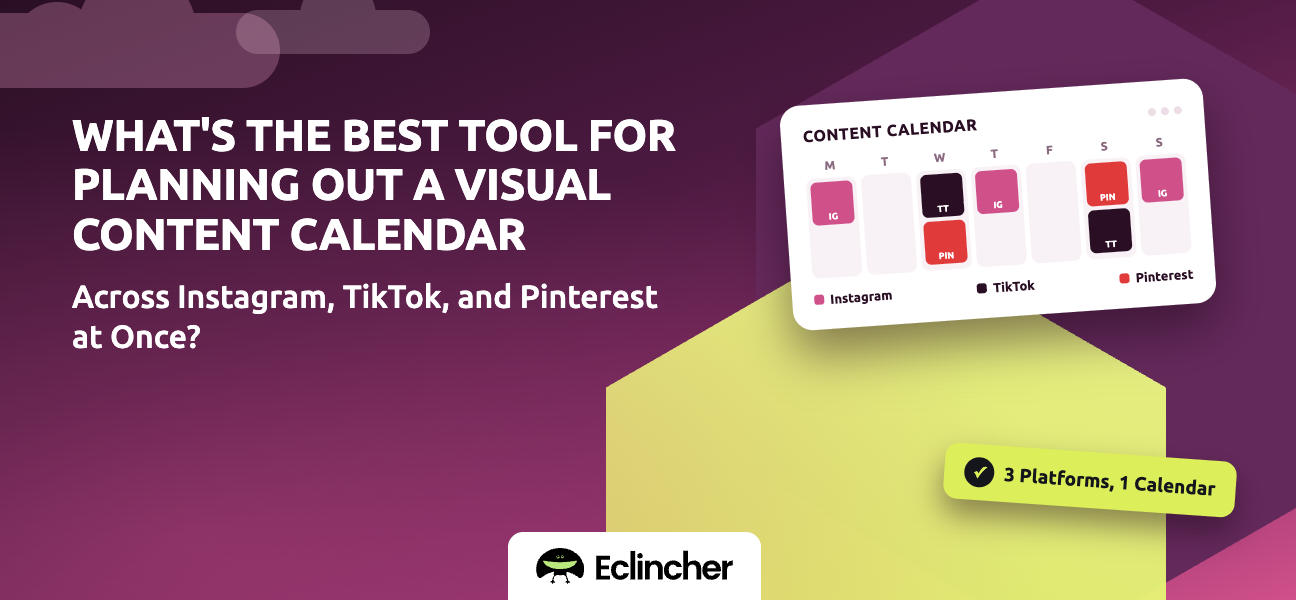


Short answer: The best tool shows your posts as visual previews on one calendar, supports each network's native formats (Reels and carousels, vertical video, and Pins with links and boards), and publishes directly to all three. Later and Planoly are visual-first and Instagram-led, Tailwind is Pinterest-led, and all-in-one platforms such as Eclincher, Hootsuite, and Sprout Social cover all three alongside your other networks. Eclincher's visual calendar shows Instagram, TikTok, and Pinterest posts side by side, with per-network customization in one composer.
Key takeaways
- Instagram, TikTok, and Pinterest are all visual, but they reward different formats and aspect ratios.
- A good visual calendar previews the media, not just the caption.
- Plan from the asset, not the network: one photo shoot or video session can feed all three.
- Pinterest posts need a destination link and board, which many Instagram-first tools treat as an afterthought.
- If you also post on LinkedIn, Facebook, or X, an all-in-one platform avoids a second calendar.
What makes a content calendar "visual"?
A visual content calendar shows thumbnails of each scheduled image or video on the calendar itself, so you can judge the look of your week at a glance. Text-only calendars make you open every post to see what it is.
For Instagram, TikTok, and Pinterest, a good visual calendar should offer:
- Media thumbnails on every calendar slot, so you can spot repeated visuals or color clashes.
- Drag-and-drop rescheduling across days and networks.
- Network-specific formats: Reels, carousels, and Stories for Instagram; vertical video for TikTok; Pins with a link and board for Pinterest.
- One media library for photos and videos you reuse across networks.
- Per-network captions, since a Pinterest description and a TikTok caption do different jobs.
Which tools plan Instagram, TikTok, and Pinterest together?
All the tools below can plan these three networks. The difference is which network they were built around and what else they cover.
| Tool | Built around | Good fit for | Consider |
|---|---|---|---|
| Eclincher | All networks in one platform | Brands and agencies posting beyond these three | Includes inbox and analytics, so more than a pure planner |
| Later | Instagram, visual planning | Creators and Instagram-first brands | Check Pinterest and TikTok features on your plan |
| Planoly | Instagram grid planning | Visual-first creators | Lighter on team and reporting features |
| Tailwind | Pinterest-led e-commerce brands | Weaker fit if Instagram and TikTok are your main channels | |
| Hootsuite | Broad network coverage | Larger teams | Per-user pricing |
| Sprout Social | Analytics and team workflows | Teams that need deep reporting | Premium pricing |
Plans and features change often. Confirm current network support before you subscribe.
How do you plan one asset across Instagram, TikTok, and Pinterest?
You plan one asset across three networks by shooting once and cutting three native versions. The idea and the source media stay the same; the format, ratio, and caption change.
| Source asset | TikTok | ||
|---|---|---|---|
| Product photo shoot | Carousel of 5–8 shots | Quick-cut video set to trending audio | Several Pins, each linking to the product page |
| How-to video | Reel with on-screen text | Same video, native captions and hook | Idea Pin or video Pin linking to the full guide |
| Blog article | Carousel summarizing key points | Talking-head summary | Tall graphic Pin linking to the article |
| Behind the scenes | Stories and a Reel | Day-in-the-life clip | Mood-board style Pin |
One shoot, three native posts. Pinterest content keeps driving traffic for months, so link every Pin to a real destination.
How do you build a visual content calendar in Eclincher?
Eclincher's visual calendar puts Instagram, TikTok, and Pinterest posts on one screen next to the rest of your networks. It takes five steps.
- Connect your profiles. Add Instagram, TikTok, and Pinterest, plus any other networks, to one brand. Result: every visual channel in one workspace.
- Upload your media once. Add the shoot's photos and videos to the media library. Result: one source for every version.
- Create the post and customize per network. Write a base caption, then tailor the Instagram caption, the TikTok caption, and the Pinterest description and link. Result: three native posts from one draft.
- Arrange the week on the visual calendar. Drag posts between days to balance formats and spacing. Result: a week that looks intentional, not random.
- Track what works. Compare performance across the three networks in Eclincher's analytics. Result: you know which formats deserve more of next month's calendar.
FAQ
What is the best visual content calendar for Instagram, TikTok, and Pinterest?
The best one previews media on the calendar, supports each network's native formats, and publishes to all three directly. Later and Planoly suit Instagram-led creators, Tailwind suits Pinterest-led brands, and Eclincher suits brands that also manage other networks and want inbox and analytics in the same tool.
Can I schedule TikTok and Pinterest posts from the same tool?
Yes. Several social media management platforms, including Eclincher, schedule TikTok and Pinterest posts alongside Instagram, Facebook, LinkedIn, X, and YouTube from one calendar.
Should I post the same image on Instagram and Pinterest?
You can reuse the same source image, but adapt it. Pinterest favors tall images with text overlays and a link, while Instagram favors carousels and Reels. Change the ratio, caption, and call to action for each.
How far ahead should I plan a visual content calendar?
Most brands plan two to four weeks ahead and leave room for trends. Plan Pinterest content further ahead for seasonal topics, because Pins can take weeks to gain traction.
Conclusion
Planning Instagram, TikTok, and Pinterest together works when you plan from the asset, preview everything visually, and publish native versions from one calendar. Choose a network-specialist tool if one channel dominates, or an all-in-one platform if you manage more. Start a 14-day free trial of Eclincher and lay out your next visual week in one place.

